
Why Creating a Studio Setup is Harder Than It Looks? Part 6 ... Audio
May 15, 2026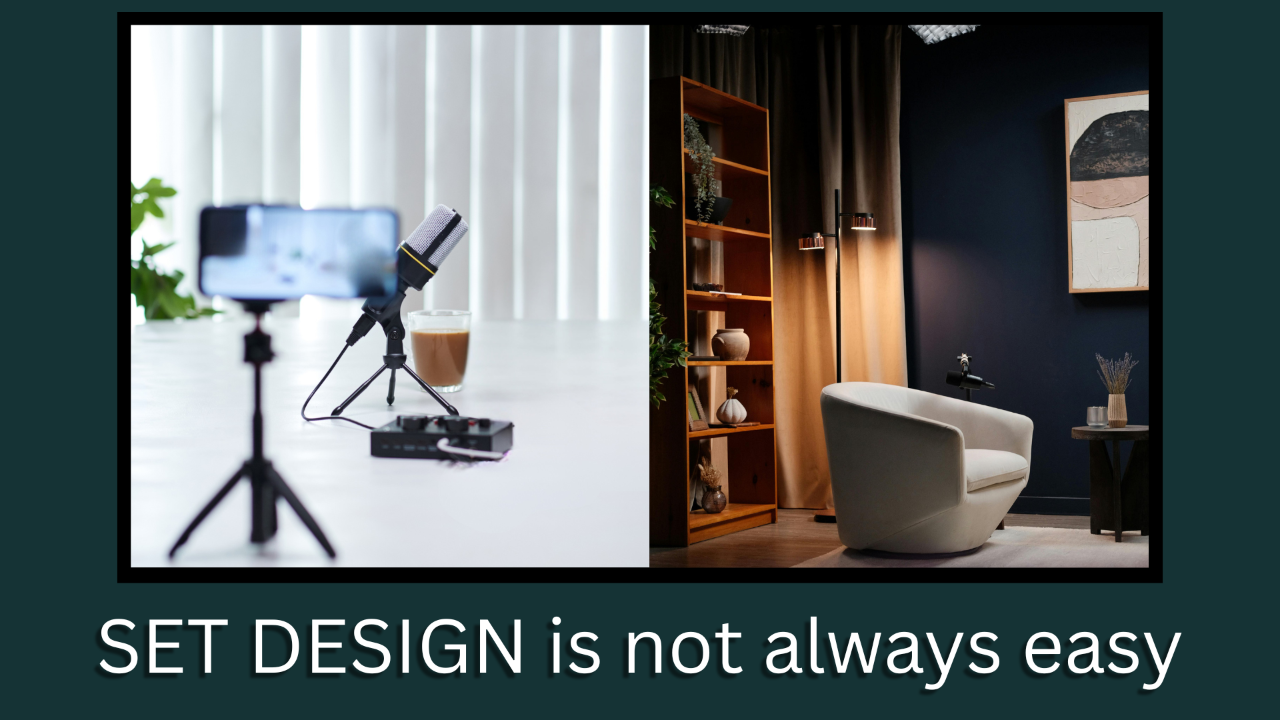
The short answer is…
You are not solving a design problem.
You are solving a communication problem visually.
Audio matters more than Video… But gets ignored by most everyone.
You can spend a ton of money on your studio/set background and still have no one watch because your audio sucks.
– Business professionals tend to focus on the visuals,
– Gamers tend to focus on the game interaction and visuals,
– Tech & AI creators tend to focus on the software and coding,
– Education creators tend to focus on teaching the material.
Now, do not take this personally, as this is a common problem and is easily fixed with some room treatment, item placement as well as choosing the correct audio equipment for your Live Streaming/Podcasting niche.
Lets start with Room Treatment…
The first thing that comes to mind for most people that have not had to deal with this is it’s going to be expensive to make my set sound good.
“Sound Treatment” companies all have their pitch that their product(s) are the end all be all to your audio and acoustic problems.
This is patently a lie!
In their defence, there is a time and a place for their products and processes.
For most of the Live Streaming/Podcasting community it is overkill and not needed.
Here is a practical list of ways to get your set to sound better…
#1 Carpet the floor... Yes it is that simple and will shock you as to the amount of difference just this one thing will make.
Especially for Business Professionals that give Live presentations in a board/conference room, simple thin commercial grade carpet will fix much of the reverb problem in a room.
#2 Moving Blankets... By placing one suspended behind your camera it will drastically cut down the reverb of your voice off the wall in front of you. Just hang it like a wall tapestry and you are good to go.
#3 Desktop Mouse pad... If you have watched any of the tech creators, many of them present while standing at a work bench. That work bench usually is covered with a large table sized mouse pad which serves 2 purposes. One is to keep any small parts from rolling away and the other is reverb off the table top, as many of these content creators are using an overhead shotgun mic.
#4 Wall hangings... Pictures, framed certificates, decorative foam sound panels etc. all act to break up the sound bouncing around in a room.
#5 Furniture... Other chairs, desks, book shelves with books on them all absorb and break up the audio in a room. Though potentially not on camera, they serve to deaden the reverb in a room significantly.
Next is Audio Equipment Choices…
What type of microphone you choose is dependent on a few factors. Here are the main ones as I see and have experienced them.
#1 Type of Live Stream/Podcast... There are many options in Live Streaming, Talking Head, Q&A, Webinar, IRL (In Real Life… Out on Location), In House Guest, Sports Panel, News Broadcast etc.
The microphone you choose to use for a Talking Head/Q&A Live Stream, typically a Dynamic Mic on a boom arm or desk stand, is not going to be the same for IRL, typically a wireless or wired Lavalier mic. The same holds true for In House Guests versus Sports Panels/News Broadcasts. In house guests Live Streams you might use dynamic mics on boom arms or overhead shotgun mics. For Sports Panels and News Broadcasts, depending on the room/set dynamics, you might use wired or wireless lavalier mics or desktop condenser or dynamic mics.
#2 Live Stream location... Where you are Live Streaming from makes a big difference in mic choice as well. Streaming from a small room versus a larger dedicated set. In a boardroom versus a stage in front of hundreds or thousands of people. You need to choose the correct mic for the location, dynamic versus condenser, wireless handheld versus a wireless lavalier for example.
#3 Room/Set design/shape... This plays into the room dynamics. The shape and design setup of your Live Stream/Podcast can dictate which mic is appropriate for that particular room/set acoustics. Choosing the correct mic here comes from testing a few different mics in the room.
#4 Your Voice... No matter how much you might want to use that $500 to $1000 mic that your favorite Content Creator/Business Professional might be using, DON”T, you should ALWAYS choose a mic that works on YOUR voice in your location.
I personally have dozens of different types of mics in my collection. I have done Live Streams from a car while traveling, from a park out in the open, from a small dedicated corner of a room, from offices and stages with a dozen people on stage… all wireless… Yes, that was a technical challenge in itself.
No two locations or voices are going to be the same. What works on your favorite Live Streamer in his location may sound like dog poop on you in your location/setup, I have had this happen to me.
I personally tried $5 and $10 mics as well as mics in the hundreds of dollars and the mic that matched my voice the best in my location, was a $37 dollar mic, not the name brand mic that all the “High End” Live Stream/Podcasters use.
#5 Supporting Equipment... There are a number of pieces of equipment, depending on your location and setup, that you will need, such as…
– an Audio Interface
– a Mixer to bring multiple mics into the Live Stream/Podcast
– Boom Arms or Desk Stands for your mic(s)
– Audio Cables
– Pop Filters
All of these items are dependent on your personal setup and mic choice.
In my opinion, your audio is the single most important part of your set/background design as they are interconnected. One influences the other.
If you are just starting down the Live Streaming/Podcast path,
Let's talk and see if I can help you navigate through it all.
Until the next installment...
⬇⬇⬇
Stay Connected with News, Updates and Offers from
Live Stream Consultants LLC
Join the Streaminati Mailing List now.
We hate SPAM. We will never sell your information, for any reason.