
Tech Tuesday, Camera Choices, Series #1
Feb 10, 2026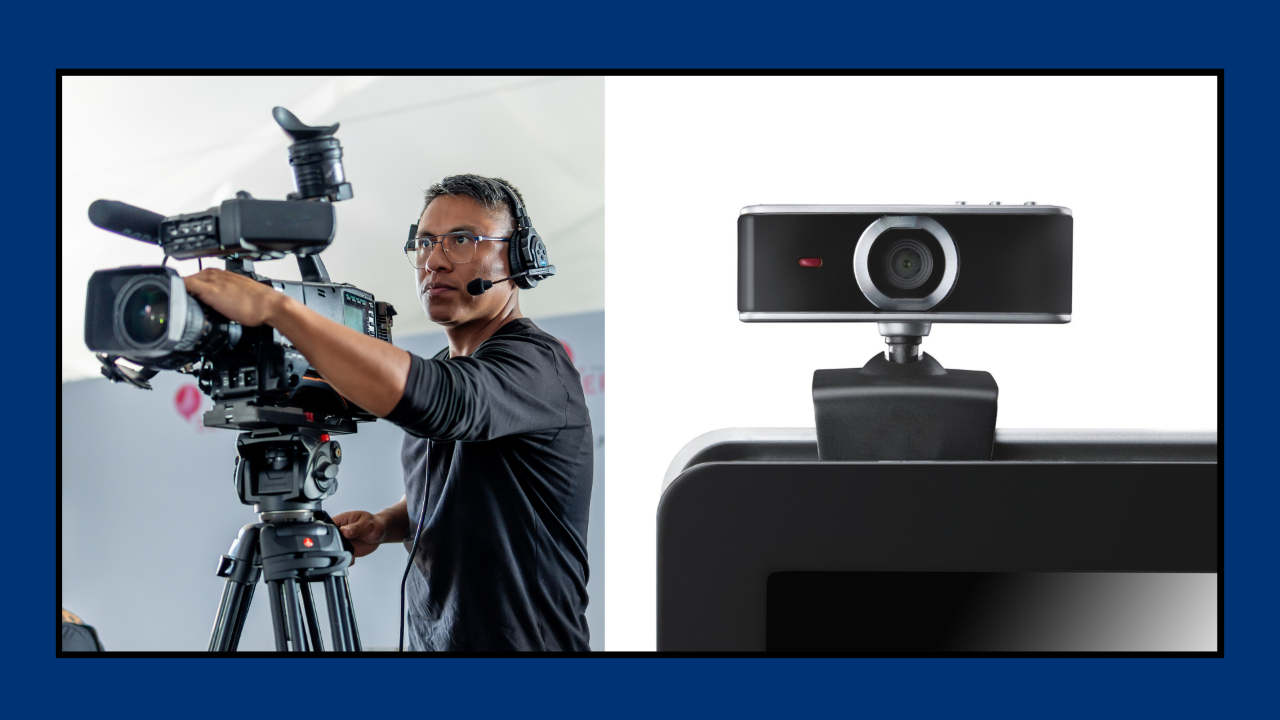
Cameras for Business Professionals versus Content Creators
In the realm of Live Streaming there are levels of tech and with those associated levels comes the associated levels of quality and cost.
Cameras as a whole, are probably the single biggest choice and cost next to your computer.
That begs the question, at what level of Live Streaming are you at or are interested in achieving?
Now this is a great question to tackle no matter where you are in your Live Streaming journey or whether you are a Business Professional or an established Content Creator.
Camera choice can give off the impression of amateur/beginner or seasoned professional.
Now that is not due to what brand you purchase or how much you spend on it, but in the image quality that your customer/subscriber base will see.
As an example, there are many very well known Content Creators that run million dollar businesses and shoot all their content on an iPhone.
This is not a dig, but what makes YOU think you are SOOO special that you feel you need an Arri Alexa and all the associated extras just to shoot a 5 or 10 min video to post on your Social Media platform?
So where is the line in the sand per say over all this?
In my opinion it comes down to support while creating the content.
If you are a SOLO Content Creator then choosing a camera that is simple to setup and simple to operate while Live Streaming is preferable, if not even ideal
If you are a Business Professional and have a small team to help create the content your business is in need of, then a better camera setup would be an appropriate choice as you might have someone actually manning it as you create the content.
So let me list a few cameras in the different dollar camps so that you can do your own research on which would be best for you and your scenario, I will cover the different levels in more detail in the coming Blog posts…
These are cameras generally ranging from $25 webcams to $1000+ Digital cameras…
On the Budget Friendly side...
Vitade 1080p Webcam, Logitech C930e, Obsbot Meet 4K
On the Budget Friendly Mirrorless/DSLR camera side...
Lumix G7 and GX85, Canon T8i, Nikon D7500
Sony A5100, Sony A6000 series, Sony ZV-1 and ZV-E10
On the High End Mirrorless/DSLR side...
Canon EOS R6 Mkii, Sony FX3, Sony A7s iii, Nikon Z9, Z8, Z6 Mk iii
Lumix GH7, S5iix, G9ii, Fuji X-H2S, X-H2, GFX100 ii
Black Magic Design Pocket 6k, Black Magic Design Studio 6k
Not to mention there are a number of very good PTZ cameras on the market today that were not available 5 years ago.
So there you have it, this is your homework for this week. Start doing your research and seeing which type of camera fits in your Live Streaming plans.
As an added bonus, here is a Google Doc with as many cameras as I could find that have the capability of a clean HDMI output that can be brought into a computer to be use to Live Stream with...
In the meantime, do you have more questions than answers…
⬇⬇⬇
Stay Connected with News, Updates and Offers from
Live Stream Consultants LLC
Join the Streaminati Mailing List now.
We hate SPAM. We will never sell your information, for any reason.