Software Saturdays, Streaming Software Series #2
Feb 21, 2026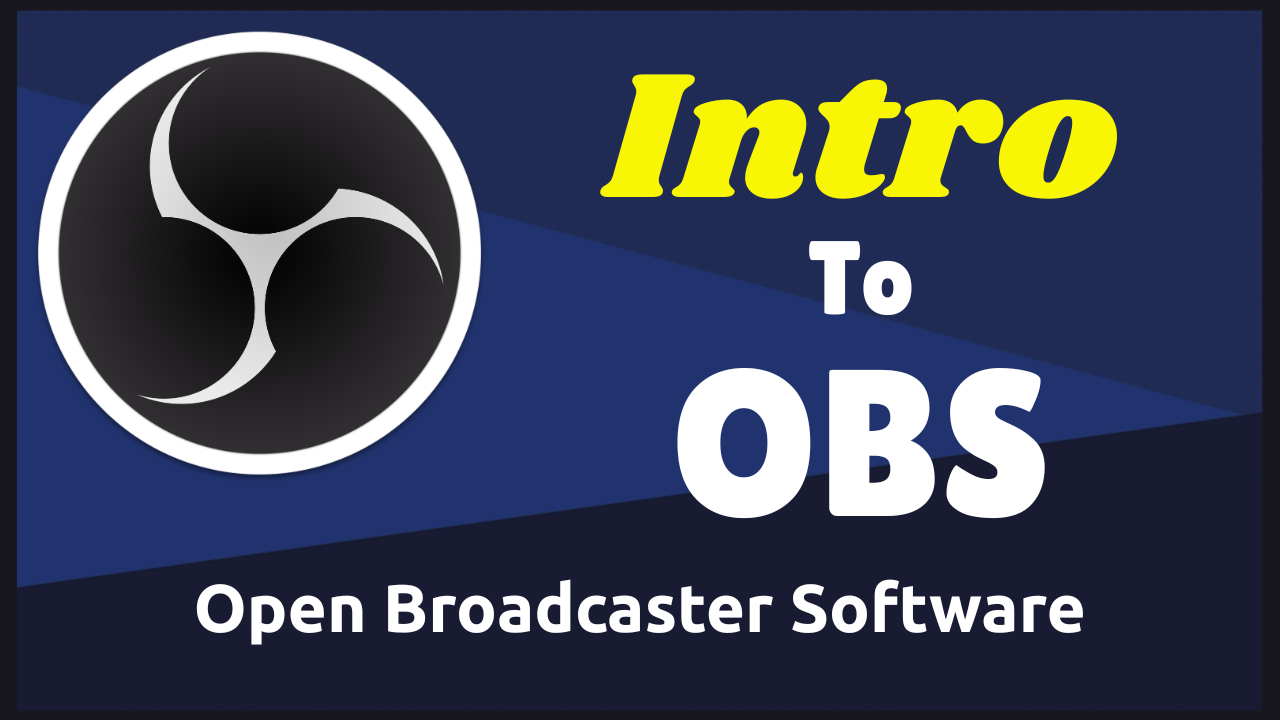
Which Streaming Software should you use? This will be the question I will help you answer in the coming weeks on Saturdays Posts.
No matter which software you choose, there are some basic things all of them will have to do.
#1 a camera input.
#2 a microphone input
#3 a basic scene set such as… a starting soon, main talking head, end scene, be right back/technical difficulties scene, screen share.
Added Bonus
#4 browser sources
#5 plugins for special features
I thought I would start off with the downloaded software I have used the most, over 500 Live Streams… OBS, Open Broadcaster Software
OBS for all practical purposes is the most powerful streaming software out there in my opinion. It is FREE!!! And it is well supported by the community and it’s Dev’s.
OBS is touted by some to be too difficult to setup and run. I disagree with this emphatically.
The initial setup process is very simple if you follow the automated process when you first download OBS. Just select Live Streaming as the focus and the installation software will optimize OBS for Live Streaming.
The next step in the process is creating your scenes. I am not going to do a full step by step here. But start with your primary “Talking Head” scene.
Add a scene and then within the scene add your sources, such as cameras, audio, browser windows, display captures and any overlays or special effects or text you may want or need.
Once you have created all your scenes, selecting them can be done one of 3 ways…
– Click on the specific scene with the mouse
– Use a preprogrammed Hot Key on your keyboard
– Use a Stream Deck that has programmable keys
The last thing that needs to be setup is where to stream to.
In OBS, select “Settings”, bottom right. Select “Stream”, click the drop down menu on service and select where you want OBS to send your Live Stream and click apply. There are many preprogrammed destinations to choose from as well as custom if that is needed.
At this point you are ready to Go Live.
And that's it, you can get as fancy as you want with OBS through different plugin’s that are available. But getting started with OBS is not as difficult as some make it out to be.
Here are the links to where you can download everything pertaining to OBS…
OBS Download This is the main program.
OBS Plugins This is where all the plugins reside.
If you have more questions than answers on Streaming Software…
⬇⬇⬇
Stay Connected with News, Updates and Offers from
Live Stream Consultants LLC
Join the Streaminati Mailing List now.
We hate SPAM. We will never sell your information, for any reason.