Software Saturdays, Streaming Software Series #1
Feb 14, 2026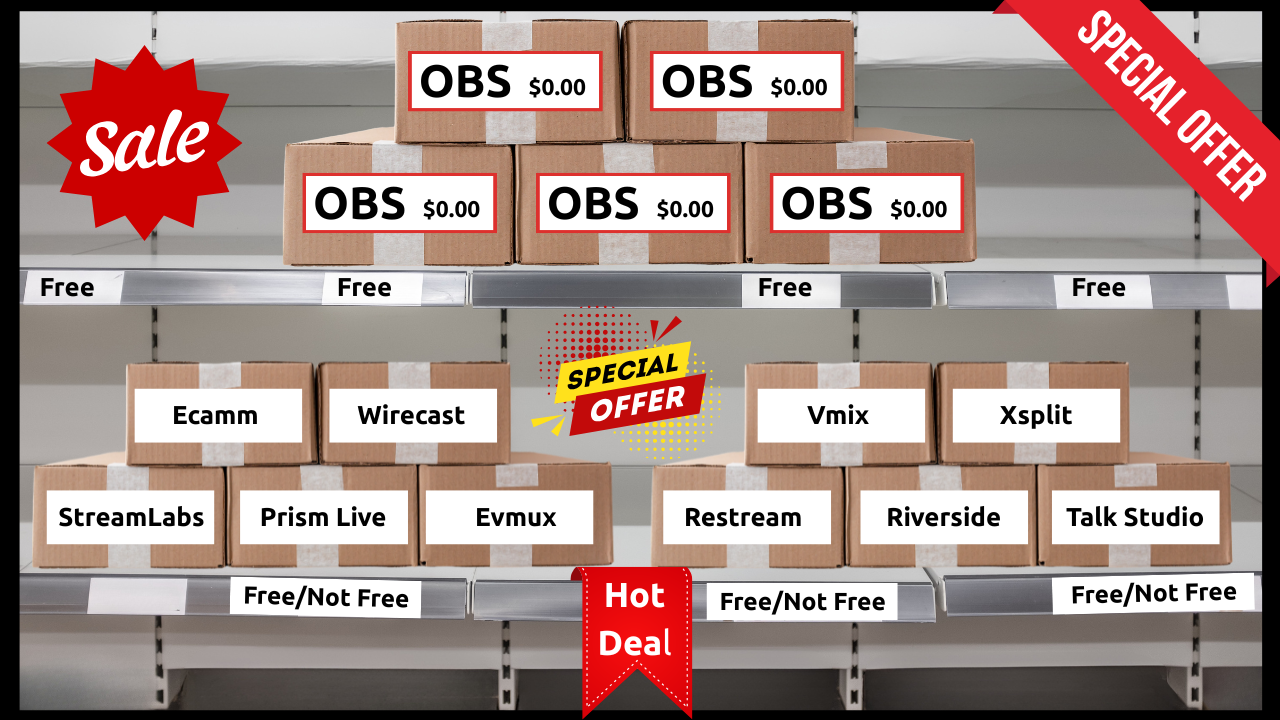
As a Business Professional or Established Content Creator, you should already be familiar with most of the tech required to create and post stand alone video and print content.
What you are most likely not familiar with is the types of software required to Live Stream from either your desktop or mobile device to the Social Media platform of your choosing.
You can release your hand that is clutching your pearls, as in this software series I will break down and explain the different Live Streaming Software available to you and how simple most of them are to use.
To get started, there generally are 2 camps of streaming software.
#1 Downloaded Software
#2 Browser Based Software
Both of them do exactly the same thing in the end, but how they get there and the capabilities of the different softwares vary dramatically.
Here is a list of the most common streaming software that must be downloaded into your computer…
#1 OBS #5 Lightstream
#2 Ecamm Live #6 Vmix
#3 Streamlabs Desktop #7 Wirecast
#4 Prism Live Studio #8 Xsplit Broadcaster
Here is a list of the most common streaming software that is browser based…
#1 Evmux #5 Be Live
#2 Restream io #6 Yostream io
#3 Riverside fm #7 Switcher Studio
#4 Onestream Live #8 StreamYard
A little Homework assignment for you, look all of these up and do a little research into them, some are free, some are paid and some are downright overpriced for what you get.
In the coming episodes I will break down the different softwares into simple to digest posts so you can make an informed choice as to which one would be the best choice for you and your goals.
In the meantime, do you have more questions than answers…
⬇⬇⬇
Stay Connected with News, Updates and Offers from
Live Stream Consultants LLC
Join the Streaminati Mailing List now.
We hate SPAM. We will never sell your information, for any reason.