
Format Thursday #4 - Do You use a Run of Show?
Mar 12, 2026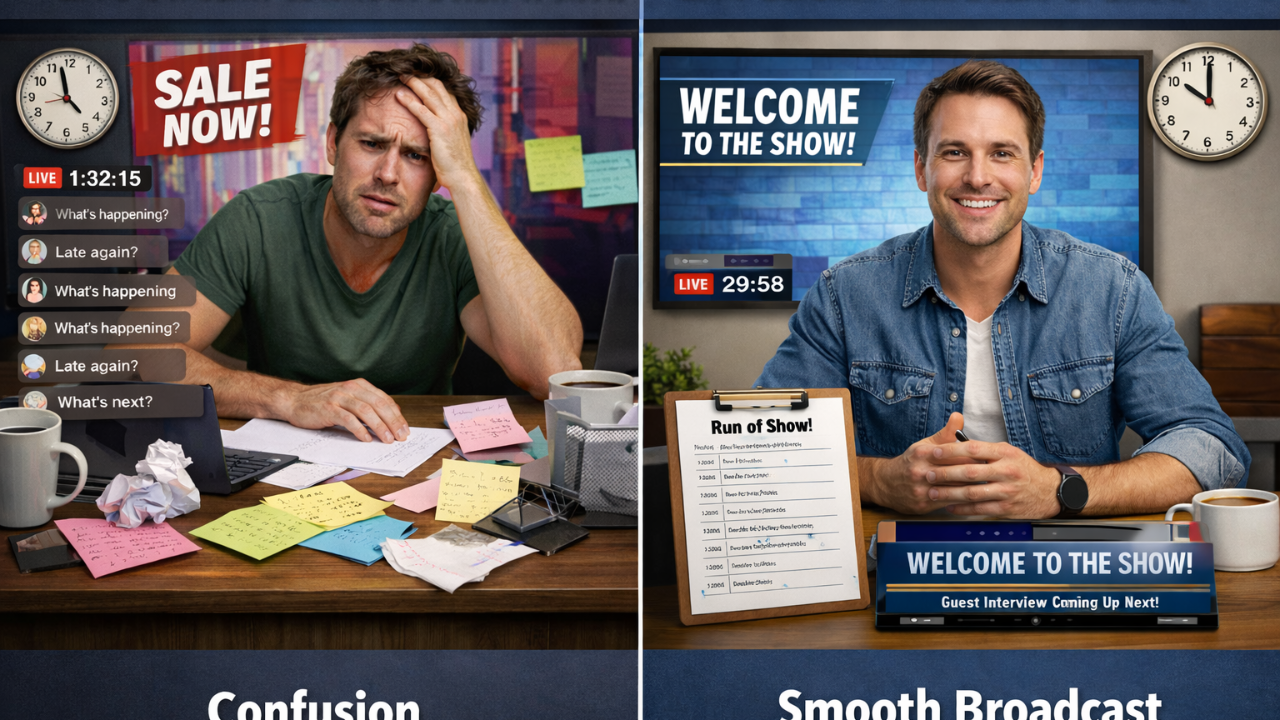
Some formats are simple and easily run with a basic checklist with your topical information notes either at hand or in scene pages ready to go.
But what about the more involved Live Streams such as a segmented entertainment style show or a large product debut with multiple speakers leading up to the big reveal?
This is where a Run of Show is indispensable.
By knowing what’s going to happen and when within the show from start to finish BEFORE you hit the Go Live button is key to making these formats shine.
I cannot stress this more for these formats. Whether you are a one man band or have a Co-host or 2, knowing what is coming up next will go so much farther than you can fathom for you and your Cohost’s piece of mind.
Your audience and guests will appreciate it as well.
I have watched Live Streams with this format that got it right and I have watched a few dumpster fires that the host lit on screen and in the chat.
Below is a sample “Run of Show” based on a Live Stream I have both watched and been on…
Stream Begins
5 minute pre-stream audio/video intro with chat on screen
Go Live and welcome everyone.
Introduce Cohost
Run fake Live Stream Sponsor. (Have fun with this one)
Address the audience/chat as to the guests and topics on the show.
Intro News Reader, cover pertinent news.
Thank the news reader.
Address the Cohost, what’s been going on with them.
Get into the first Topical item/guest
Open up the chat for questions to the guest or topic.
Play game with guest and Cohost, ie 1 second song contest
Thank the guest for coming on
Highlight viewer submitted video clips
Vote on best viewer video clip
Have a give away, this could be sponsored or not
Ask viewers to submit their video clips on a specific topic for next stream
Put video clip link on screen, in the chat and in the description
Address Cohost ask if any other things need to be done
Pass on any other announcements i.e. gatherings/events etc.
Thank all the viewers for watching and cut to the end scene
Let the 5 minute end scene roll to allow the chat to say goodbye
Final ending scene with you switching all the lights off and actually ending the stream as you wave goodbye.
Yes this Live Stream is a big production, and all put together by 1 person… The Host.
Yours can be as in depth as this one or much simpler depending on YOUR Live Stream Format.
There you have it, if this has inspired you, let me know in the comments.
If you do not need a “Run of Show” but need a Pre-Stream Checklist,
Click here…Pre-Stream Checklist
If you have any other questions about Live Streaming…
⬇⬇⬇
Stay Connected with News, Updates and Offers from
Live Stream Consultants LLC
Join the Streaminati Mailing List now.
We hate SPAM. We will never sell your information, for any reason.